Questions?
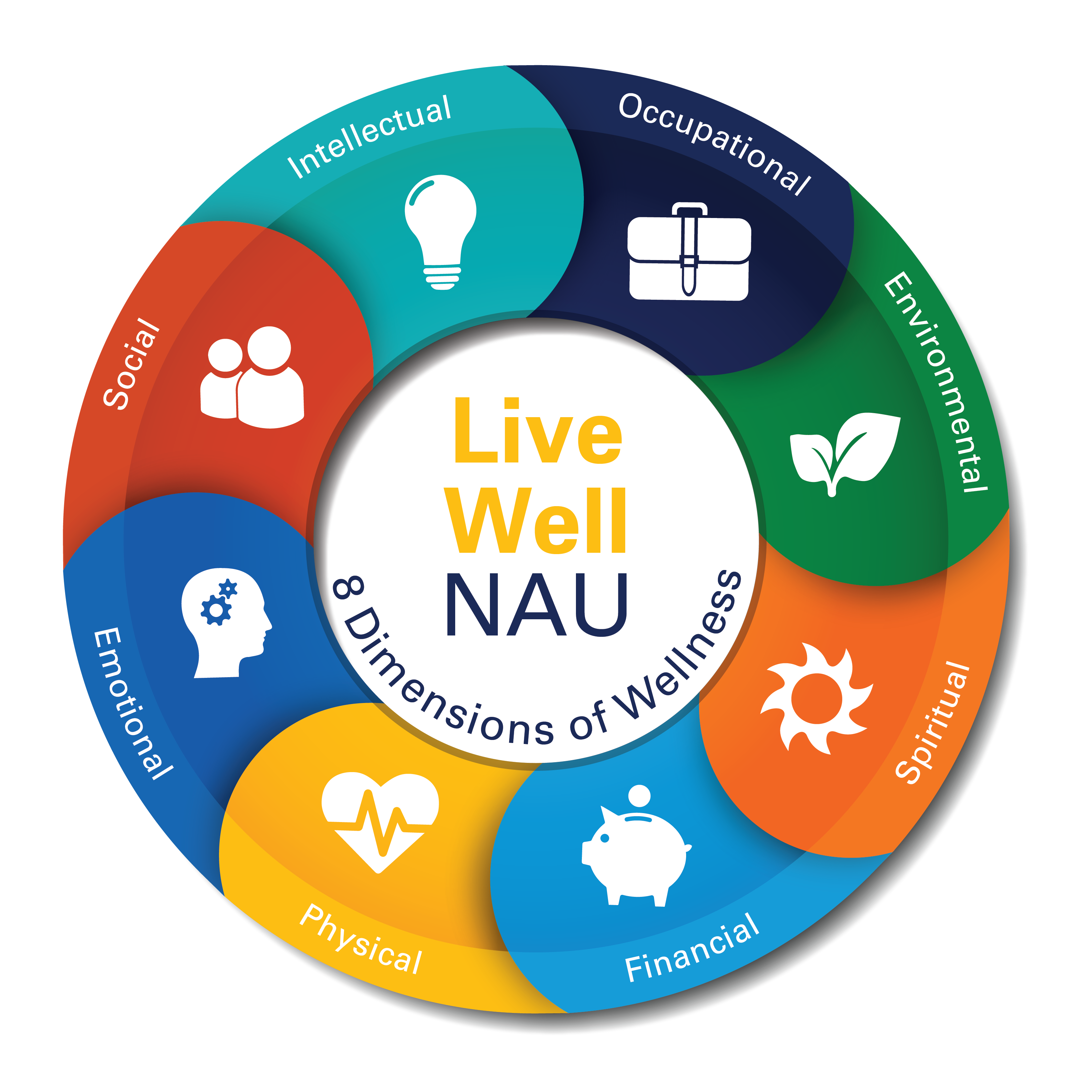
Wellness Wheel Icon
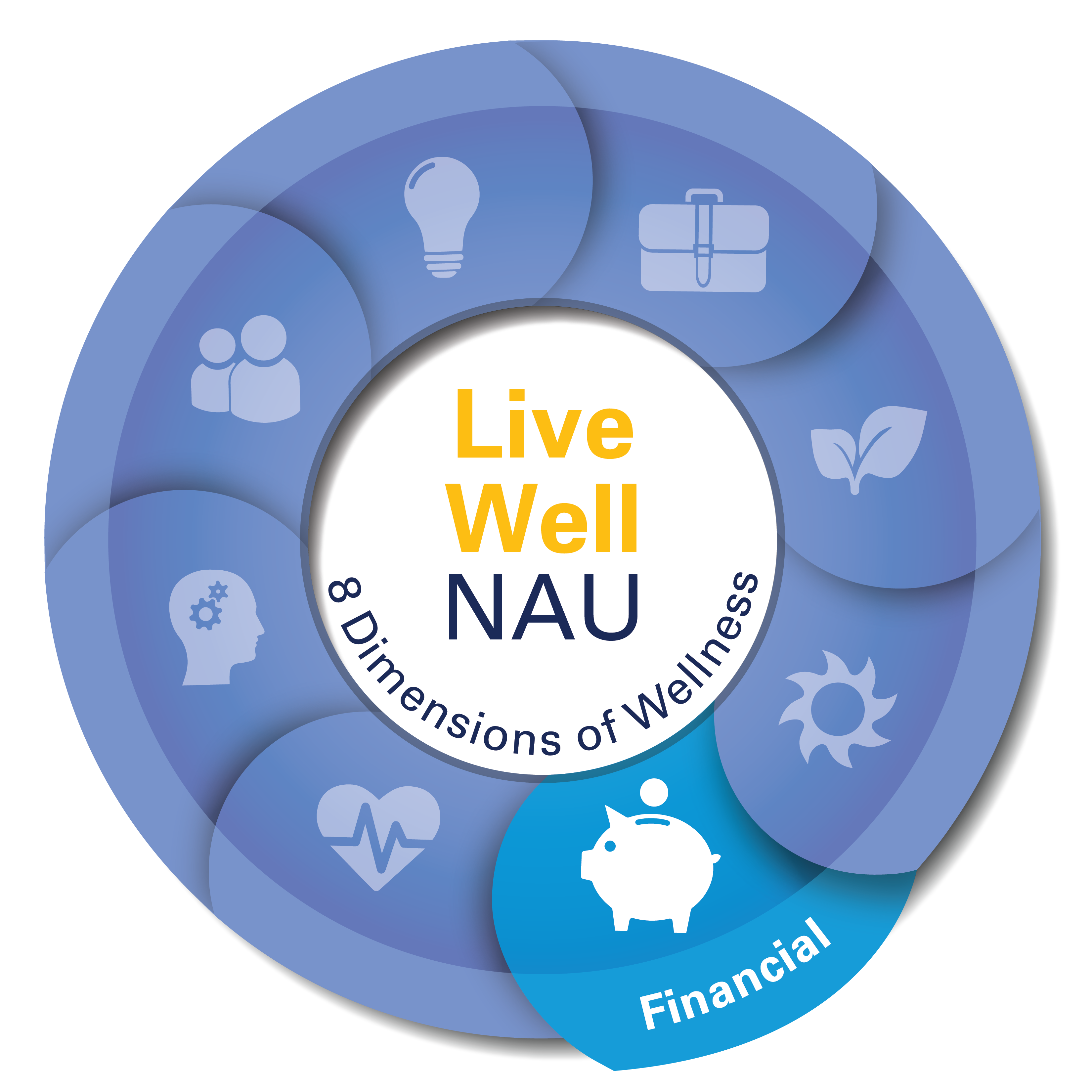
Use the wellness wheel icon to let others on campus know your event or department supports wellness. Below are FAQs, including how to use the icon and how to download it.
The wellness wheel icon is designed to be a visual cue for the NAU community to easily identify programs, departments, and services that support their overall wellbeing.
Any faculty or staff members can use the icon. Student organizations that have participated in a brief wellness training are also invited to use the icon on their marketing.
There are two ways to use the icon:
Event marketing:
If your event is in line with a specific dimension of wellness:
- Download the appropriate icon from below.
- For events that support more than one dimension of wellness, consider using the full wheel icon. If you aren’t sure which dimension your activity is supporting, consult with the Live Well NAU guidebook or Healthy Campus Coalition.
- Place on your marketing!
*Download the Live Well Graphic Style Guide for additional information on how to use the graphic icon on your marketing.
Website:
If your department is in line with a specific dimension of wellness;
- Download the appropriate icon from below.
- For events that support more than one dimension of wellness, consider using the full wheel icon. If you aren’t sure which dimension your activity is supporting, consult with the Live Well NAU guidebook or Healthy Campus Coalition.
- Place in the right column of your page using the “Image Caption” short code, with the following text: “[Department Name] supports wellness” and a link to in.nau.edu/livewellnau (see example below).
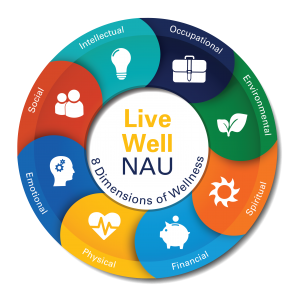
Click your desired icon or background below to download. The full image will open in a new tab-from there, right click the image to download the .png file.
*Download the Live Well Graphic Style Guide for additional information on how to use the graphic icon on your marketing.
Please e-mail Healthy Campus Coalition to let us know you’ve used the icon.