WordPress fundamentals at NAU
Understand the structure of a WordPress site to build pages like a pro.
What is a WordPress theme?
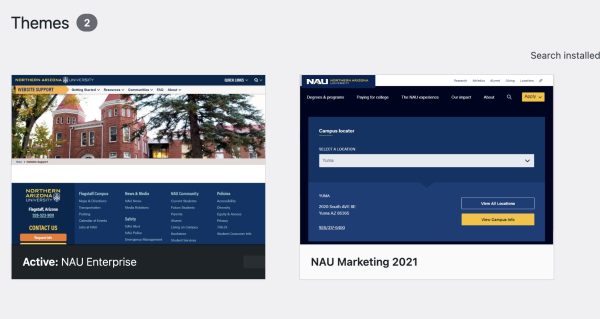
WordPress themes are like modes that can be applied to your WordPress site to change how pages and posts look. Some themes also offer different functionality that can be configured after you enable the theme. The NAU In-Site Network currently has two themes: Enterprise 1.0 and Marketing 21 (referred to as M21), with Enterprise 2.0 in the works.
What is Gutenberg?
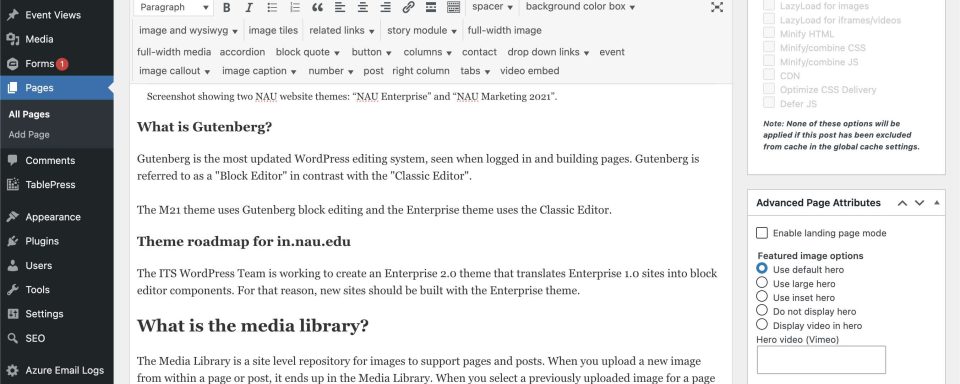
When you log in and edit a WordPress site, you are interacting with a site editor interface. WordPress has multiple site editing systems, with Gutenberg being the most modern iteration.
Gutenberg is referred to as a “Block Editor” in contrast with the “Classic Editor” that uses a field with visual and code tabs.
The M21 theme uses Gutenberg block editing and the Enterprise 1.0 theme uses the Classic Editor.
Theme roadmap for in.nau.edu
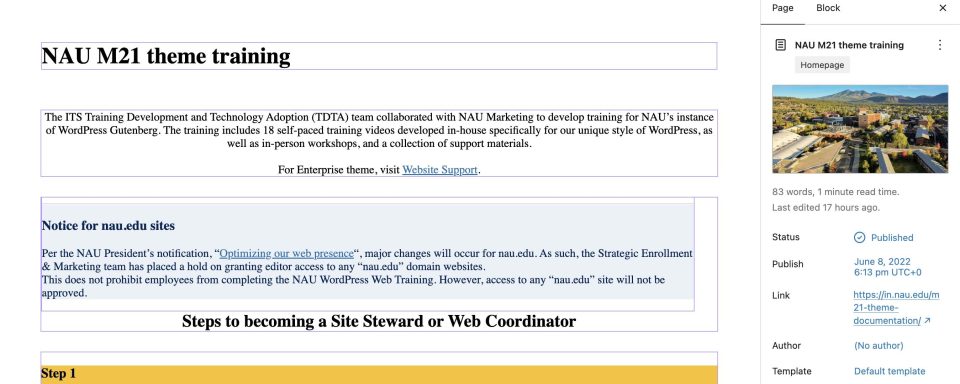
The ITS WordPress Team is working to create an Enterprise 2.0 theme that translates Enterprise 1.0 sites into block editor components. For that reason, new sites should be built with the Enterprise theme.
What is the media library?
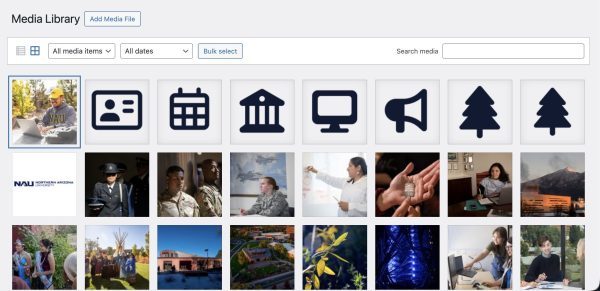
The Media Library is a site level repository for images to support pages and posts. When you upload a new image from within a page or post, it ends up in the Media Library. When you select a previously uploaded image for a page or post, it creates a link to where the image already lives in the Media Library.
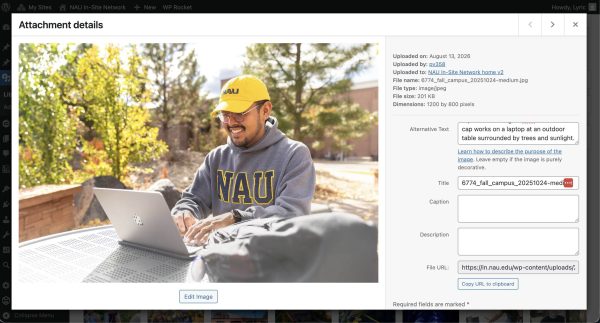
Images may be searched and filtered from the Media Library, and managed by renaming or deleting. Alternative text (alt text) can also be edited via the Media Library from the “Attachment details” screen for each image.
What is Mediagraph?
Mediagraph is NAU’s digital platform for approved photos and logos. Log in with Single Sign On (SSO) to browse and download assets for use on your site.
When should I make a page versus a post?
WordPress is a Content Management System (CMS) created to generate websites that can showcase both pages and posts.
Pages are for content unrelated to a specific time; they are meant to be living documents, making up the core structure for your site, and will be updated over time.
In comparison, posts are for content that is time-specific. A site’s posts typically can be accessed via a /news or /blog page that functions as a feed of the most recent posts in reverse chronological order. The value of posts is that they can be filtered, presented based on categories, and assist with SEO by presenting new and useful content to target audiences.
WordPress is used to its best advantage when site strategy includes both pages and posts.