
 928-523-4620
Online invention disclosure
Inventor portal account information
Get started with the inventor portal and take the first step in sharing your discovery. These instructions guide you through setting up your account, entering key invention details, and submitting your disclosure so it can be reviewed for patent and commercialization potential.
1. In order to use the inventor portal, you must first request an account.
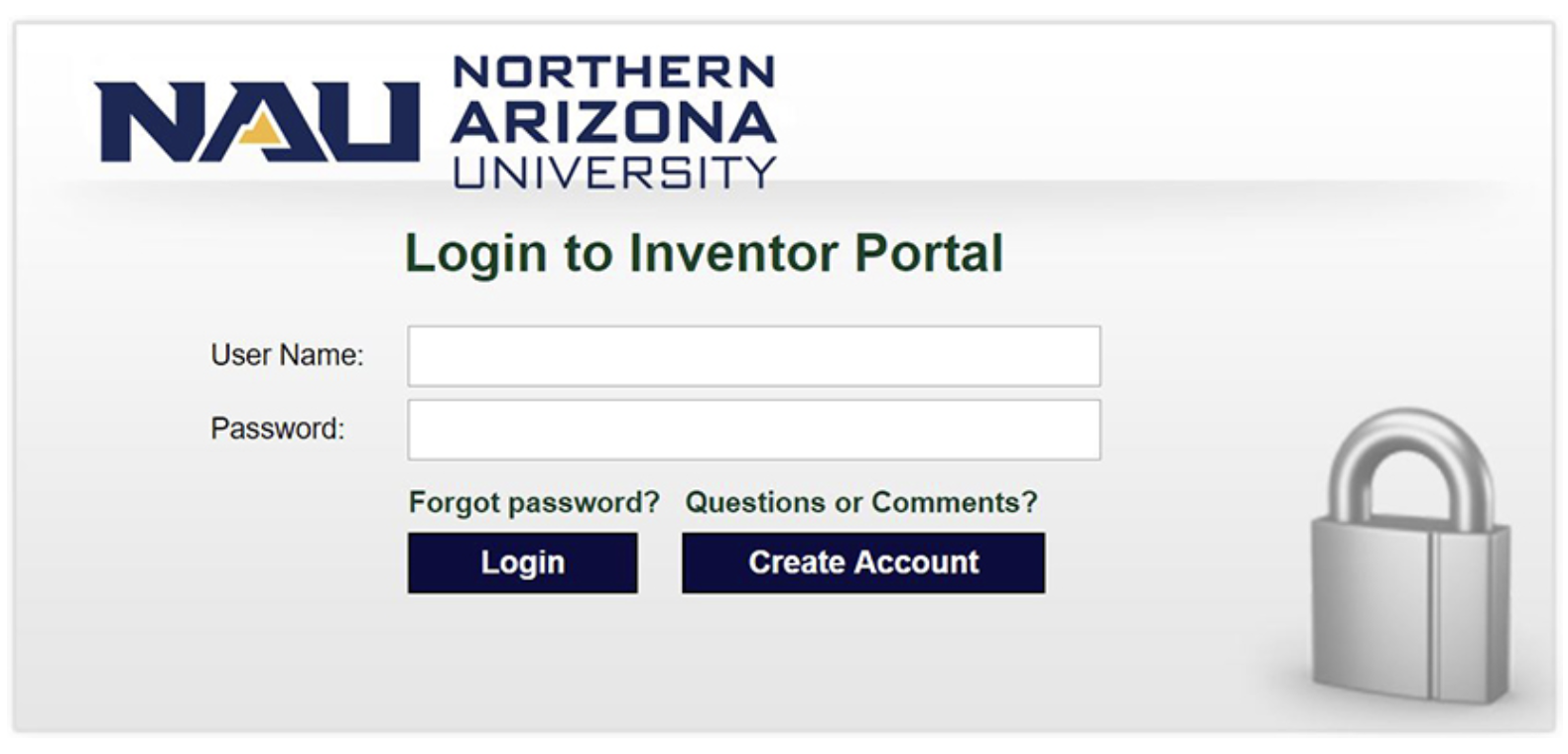
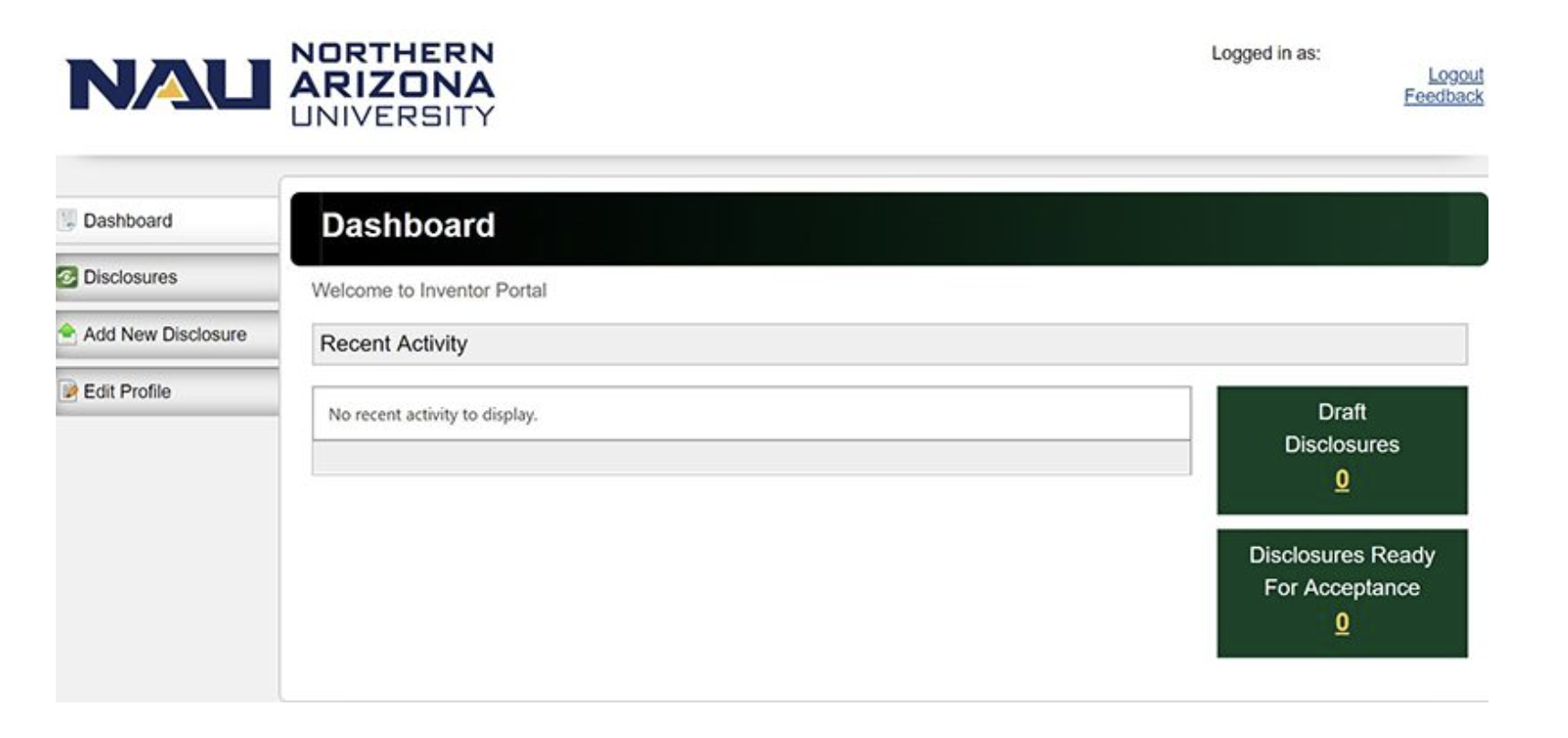
2. Once your request for an account has been approved, you will be able to log in. To submit a new invention disclosure, select the “add new disclosure” tab on the left.
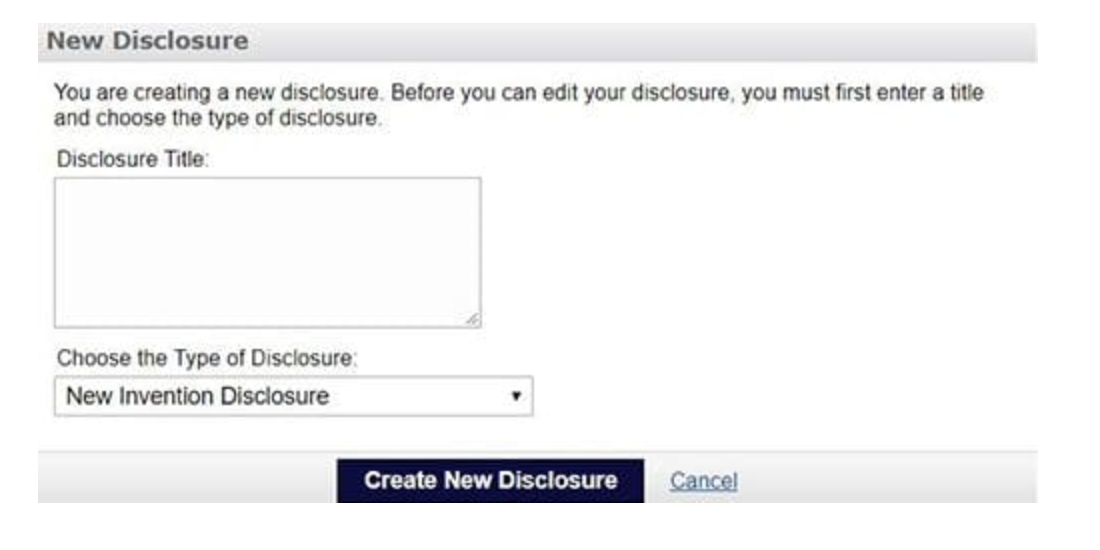
3. Enter a descriptive title for the invention. Then select “new invention disclosure” and click “create new disclosure.”
Please note that you should have the following information when preparing to submit an invention disclosure
- A descriptive title
- A concise description of the invention
- The name and e-mail addresses of all individuals who may be co-inventors
- Information for any intramural or extramural funding that funded the development of the invention